Free tool
Barbell Lab: bar path tracker, bar speed & live coach
Use a bright marker on the bar end to trace its path and velocity. Your camera and video stay on your phone or computer.
Evidence-checkedEdited by Chris Mann Dip.IOPNHow we check thisClose
Every figure and rating this tool shows comes from one set of tested rules, the same ones used across the Hub and our AI tools, with the method and sources named on the page.
Advertising never decides what we write or recommend. If something is wrong, we correct it and record the change.
Short answer: Open your camera or a local video, tap a contrasting marker on the bar end and start tracking. Add a 450 mm plate calibration for metres per second; without it, speed is shown in pixels per second.
Loading the private video tracker…
How to get a usable bar-path trace
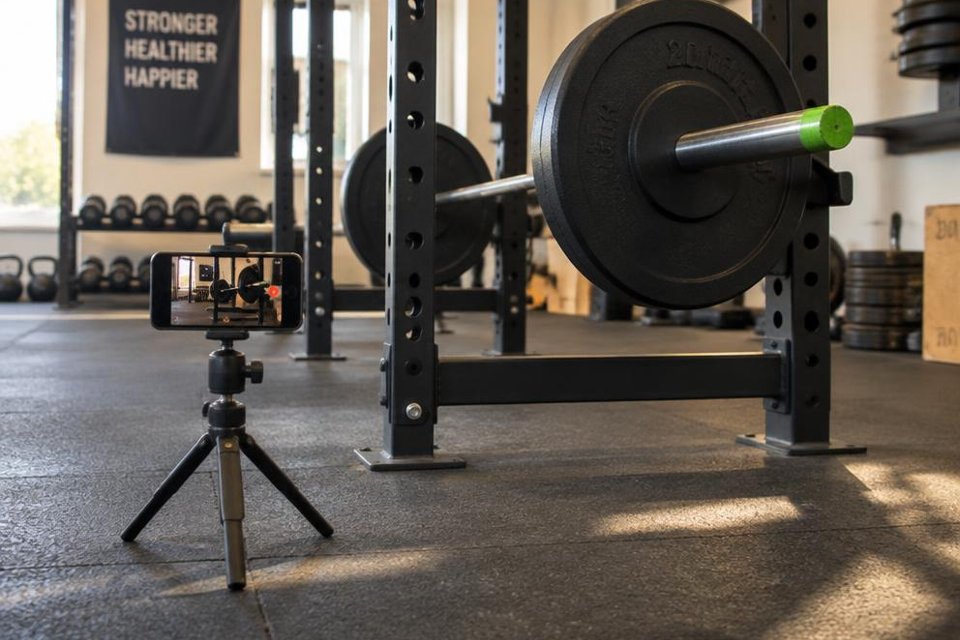
Use a fixed camera, good light and a small piece of bright tape or a sticker that contrasts with the gym background. Keep the marker visible throughout the set. The tracker follows that colour near its last position; it does not claim to recognise a barbell automatically in every video.
Why plate calibration matters
Pixels alone cannot tell you bar speed in metres per second. After pressing Calibrate with plate, tap the outer rim at the very top of a full-size plate — 20 kg and 25 kg Olympic and bumper plates are 450 mm across; choose Other and type the width for smaller iron plates — then the outer rim at the very bottom of the same plate (yellow dots and a dashed line confirm both taps), so the tool knows how many pixels represent 0.45 metres. The camera must not move between calibration and lifting. Zooming also changes the scale.
What the numbers can and cannot tell you
The path and speed describe one visible point from one camera angle. They are not joint moments, force, fatigue diagnosis or a judgement that your technique is safe. Frame rate, motion blur, occlusion and camera angle affect the result. For a broader technique checklist, use the exercise troubleshooter; for resistance maths, use the squat biomechanics simulator.
Nothing to upload, nothing to leak
The video never goes to Bodywise or an outside AI service. Processing uses the browser's canvas, and the only download is a CSV containing time, coordinates, confidence and speed. No video, image, account record or health data is included.
How the calculation works
The tracker samples the marker colour you tap and searches for matching pixels near its last position in each frame. It records timed positions with a confidence score, then works out distance and speed between samples. Calibrating with a plate turns pixels into metres; the summary shows samples, time, distance travelled and speed, and the CSV exports the trace.
Worked example
For two synthetic samples moving straight up from pixel 500 to pixel 400 over one second, calibrated with a 450 mm plate, the summary returns 2 samples, 1 seconds and 0.1 m travelled. These are test coordinates, not a measured lift.
What the result cannot tell you
Video stays on your device and is processed in the browser. The trace follows a coloured marker, not the whole bar or your joints. Camera angle, calibration, camera movement and a hidden marker all affect results, and speed is not a measure of force, fatigue or safety.
Common questions
Is distance travelled the same as how high the bar moved?
No. Distance travelled adds up every movement between positions, including sideways drift and the way back down.
Is peak speed an average for the rep?
No. It is the fastest reading in the trace, so a brief tracking glitch can affect it.
Does high tracking confidence mean the calibration is right?
No. Confidence is about the colour match, not the plate measurement or camera position.
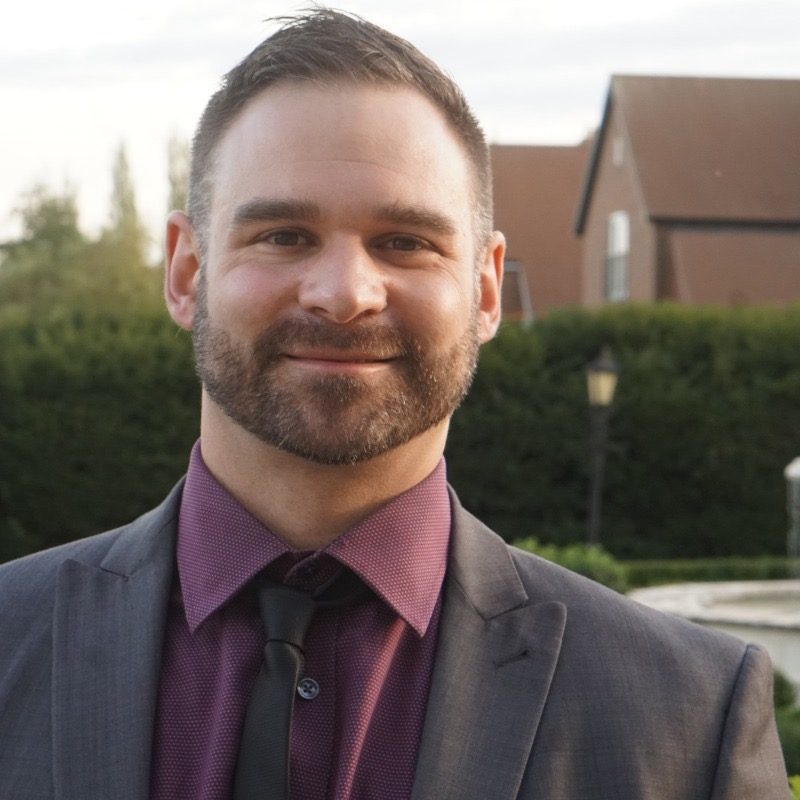
Chris Mann Dip.IOPN is a sports nutritionist, qualified personal trainer and founder of The Muscle & Strength Hub, with six years of experience helping people build muscle, develop strength and improve their nutrition.
- Dip.IOPN
- PN Level 1
- Level 4 Nutrition
- Level 3 PT
Certificates and full profileEditorial independenceCorrections
Share this calculator
Was this tool helpful?
Educational information for adults aged 18 and over. It does not diagnose, treat or manage any medical condition. If you have a health condition, or symptoms that worry you, speak to your doctor or a health professional.